Free and open source.
No subscriptions. Airglow is yours to explore under the MIT licence.
RGB lighting. Fan control. Your whole PC in harmony.
Airglow is free, open source, and made for Windows.
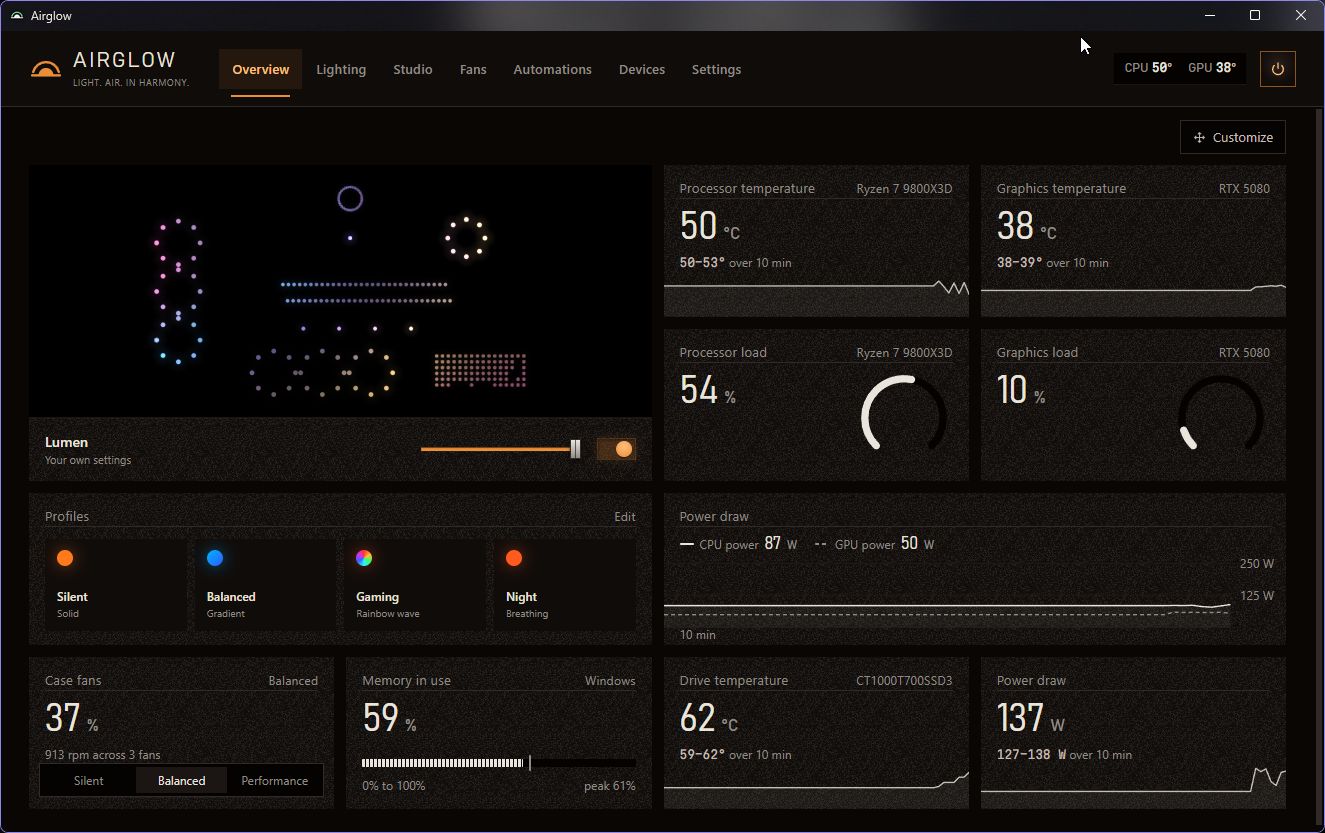
Lighting, cooling, and live readings. Together at a glance.
Actual Airglow interfaceDifferent hardware.
Same wavelength.
Start with a template. Add a wave, a little sparkle, a pulse that follows your music. Watch something entirely yours come to life.
Step inside the Studio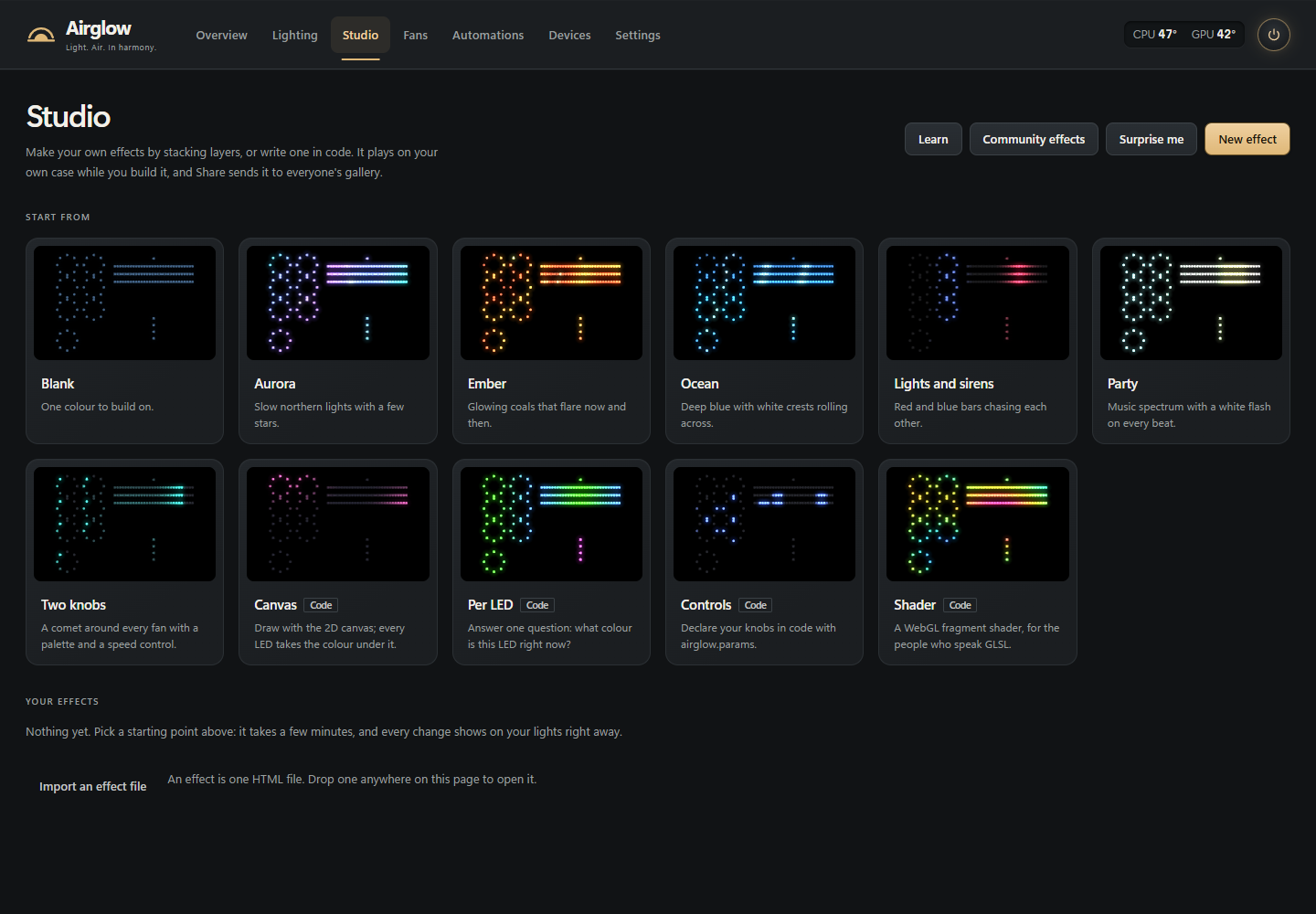
Free to use. Open to explore. Made for people
who care about their setup.
No subscriptions. Airglow is yours to explore under the MIT licence.
Open the app and make yourself at home. Your setup stays personal.
Lights off at bedtime. Your favourite profile when a game opens. Automations that feel natural.
Windows 10 (1809 or newer) or Windows 11. Airglow uses WebView2, which the installer can add. The welcome screen can set up OpenRGB and LibreHardwareMonitor for compatible lighting, fans, and sensors.
Selected NZXT and ASUS USB controllers work directly, with broader lighting support through OpenRGB and fan/sensor support through LibreHardwareMonitor. Some controllers are experimental. Check the full compatibility list ↗
Close software controlling the same LEDs while Airglow runs, including tray apps. Two programs driving the same hardware can conflict. Airglow detects common ones and offers to close them.
The installer is not code-signed yet, so SmartScreen may show a warning. Download from the official GitHub release and read the safety notes before deciding to run it.
Visit r/AirglowRGB for setups and discussion. Report bugs on GitHub. The Studio guides you through checking and sharing community effects.